Suggested cut points
Candidate moments are proposed, with the reason they were picked.
From a long video to a vertical short.
Loads a long video and carries it through cutting, subtitles and sound effects to a finished vertical short.

Cutting, reframing to vertical, subtitling and adding sound usually means four separate steps. Shortcut Studio makes that one road instead of four.
This is a development build. The final screen may differ at release.
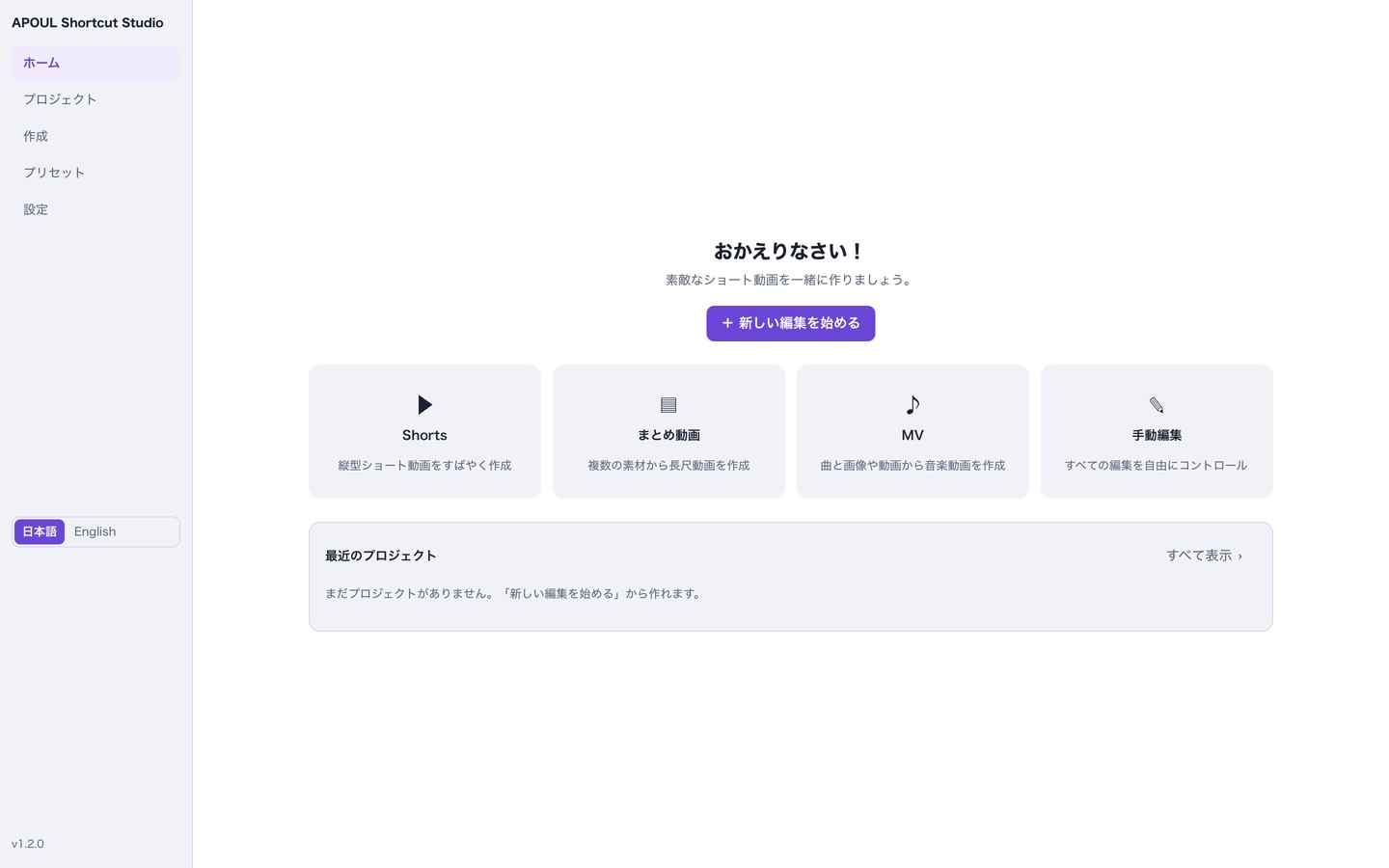
Candidate moments are proposed, with the reason they were picked.
Converts to 9:16 with adjustable position and zoom.
Speech becomes text, wrapped for readability.
Wording, timing, typeface, size and position.
Royalty-free effects placed at the start or at transitions.
Writes 1080×1920 MP4, and can queue several jobs.
Take out the part worth showing.
So the point still lands.
Queue exports and take the wait in one block.
The original video is not modified.
You should be able to guess the next step without reading a manual.
Pick the long source file.
Take a suggestion or set the range yourself.
Check subtitles and sound, then write the MP4.
The video you load is not modified; edits are stored separately. Where processing happens, whether anything is sent externally and whether anything is stored will be described here at release.